 Tandem
An AI to-do app that runs on your own key
No subscription. Plug in your own Claude or Gemini API key and pay only for what you use, or chat with the free on-device AI that never leaves your device.
Claude
Anthropic's Claude models, from the most insightful planner to the fastest, with web search and photos. Use your key from the Anthropic Console.
Gemini
Google's Gemini with your own key from Google AI Studio: fast, capable and lower cost. Note that on Google's free tier, Google uses chats to improve its products.
On-device AI
A model that runs on your phone or PC: free, private and offline. It's slower and less capable than Claude or Gemini, and it's a 3.7 GB download.
Why bring your own key?
- No subscription. Tandem doesn't charge you. You pay the AI company for what you use, nothing more.
- Pick the model. Choose the model and thinking effort that suit you, and switch whenever you like.
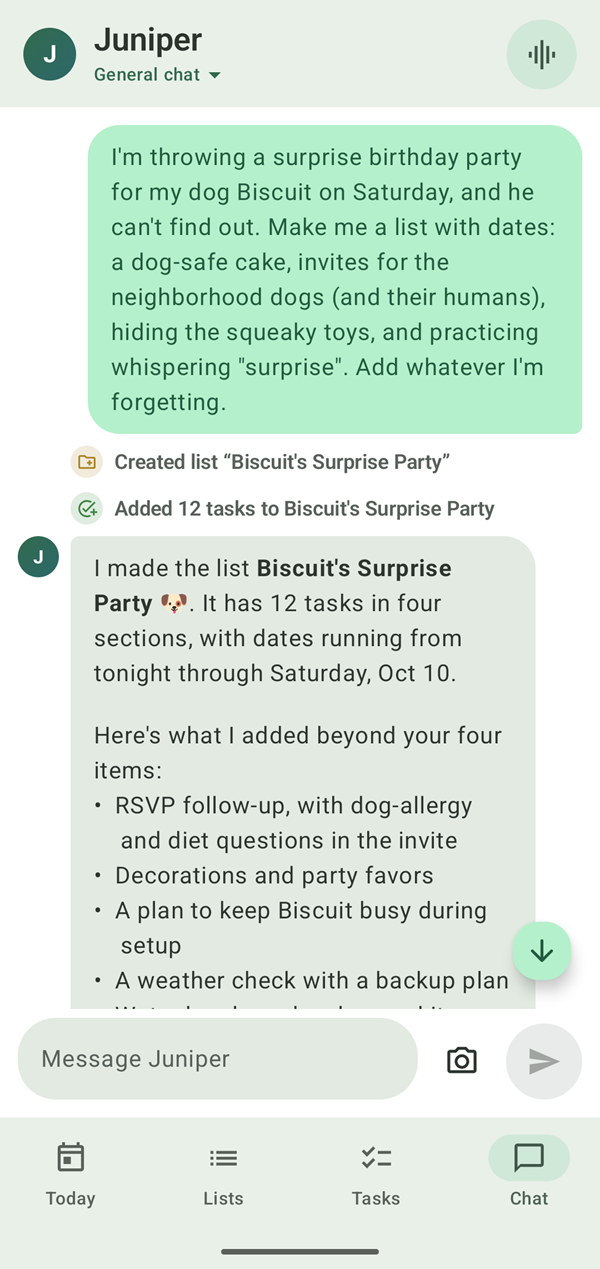
- No middleman. Juniper's requests go straight from your device to Anthropic or Google. Tandem has no server in between that could read them.
- A backup that's always there. Once downloaded, the on-device AI can answer automatically when Claude or Gemini can't be reached.
Your key stays yours
API keys are encrypted on your device with Android Keystore or Windows data protection, never included in backups, and never sent to Tandem. The apps have no ads, analytics or tracking. The privacy policy spells out what goes where.
Set it up in a minute
-
Get a key
Create one at console.anthropic.com for Claude, or aistudio.google.com for Gemini.
-
Add it to Tandem
Open Settings → AI, add the key, and pick a model. Or choose On-device to download the free model instead.
-
Start planning
Tell Juniper what's on your plate, by typing or out loud.
Questions
Is Tandem free?
Yes. Tandem has no subscription and no ads. With Claude or Gemini, you pay Anthropic or Google directly for what Juniper uses, at their prices. The on-device AI is free.
Do I need an API key to use Tandem?
No. Lists, tasks, reminders and the calendar all work without one, and the free on-device AI lets you chat with Juniper without a key.
Where do I get a key?
For Claude, at console.anthropic.com. For Gemini, at aistudio.google.com. Then add it in Tandem's Settings → AI.
Can Tandem see my key?
No. Your key is encrypted on your device (Android Keystore on the phone, Windows data protection on the PC), left out of backups, and only ever sent to Anthropic or Google with your requests.
Can I switch between Claude, Gemini and on-device?
Yes, any time in Settings → AI. Your chats carry on across models.
Keep exploring
Start planning with Juniper
Tandem is free. Bring your own Claude or Gemini key, or use the free on-device AI.