Plan by talking
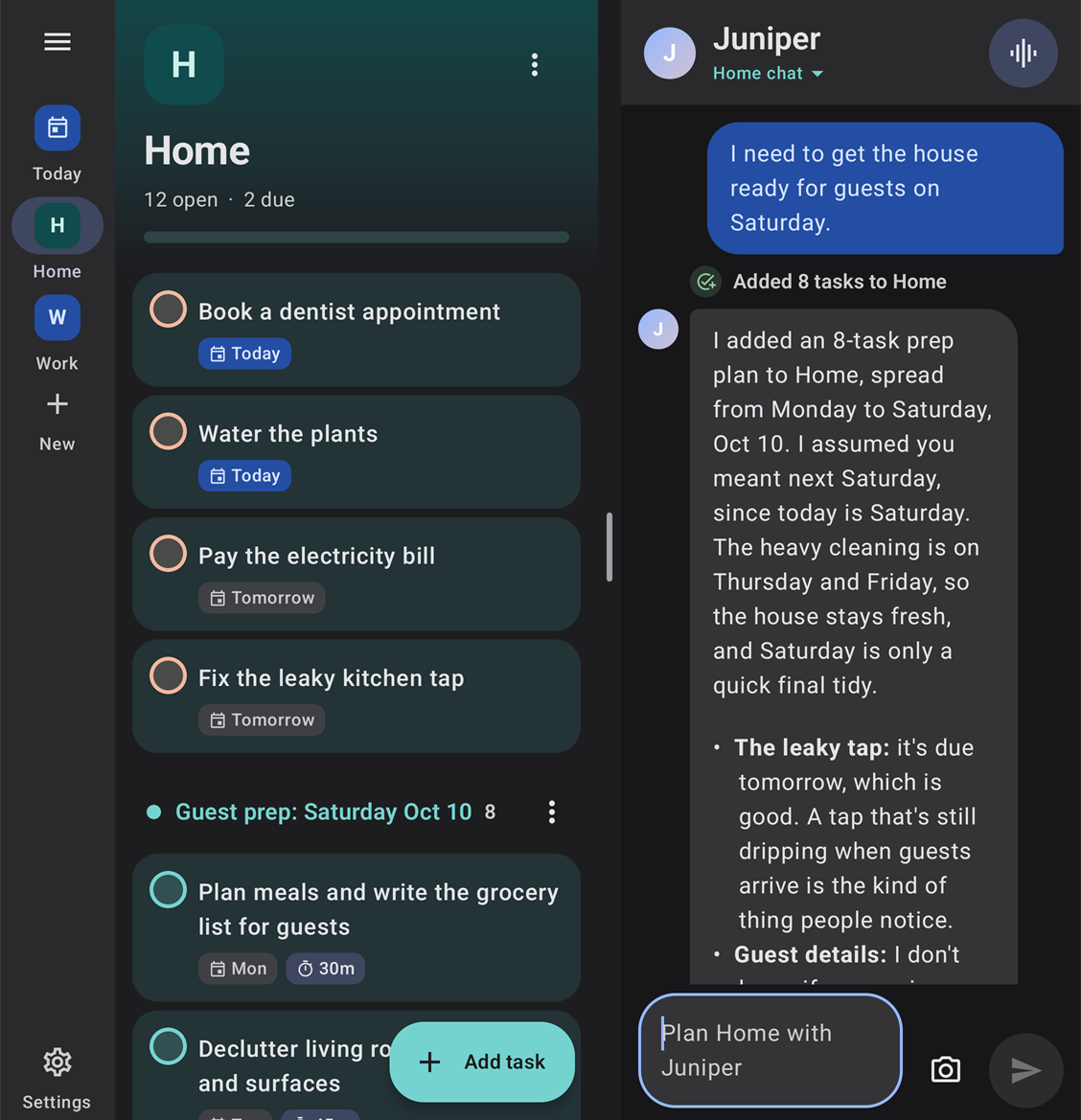
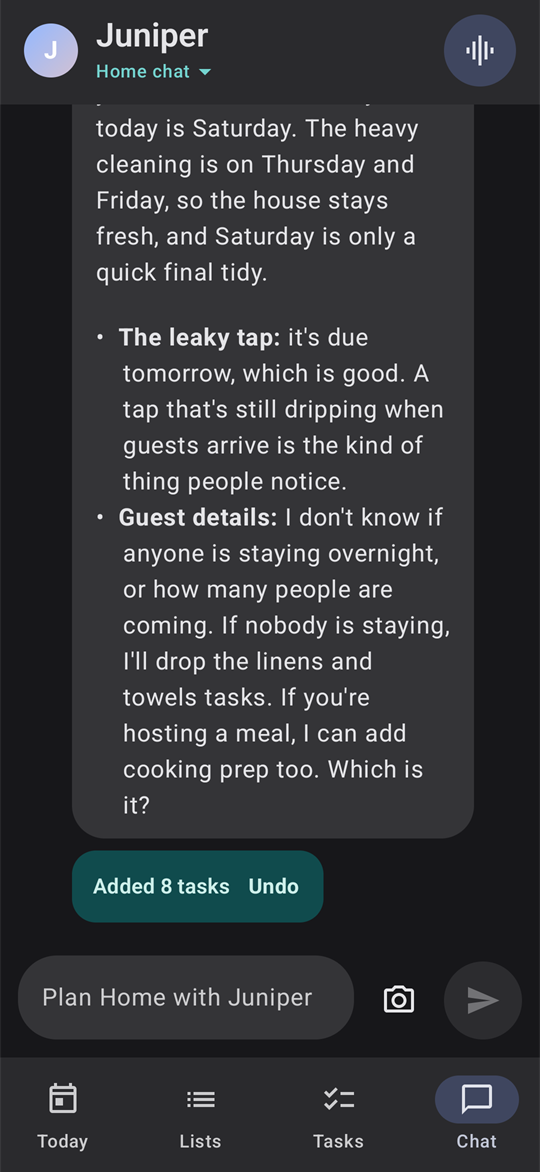
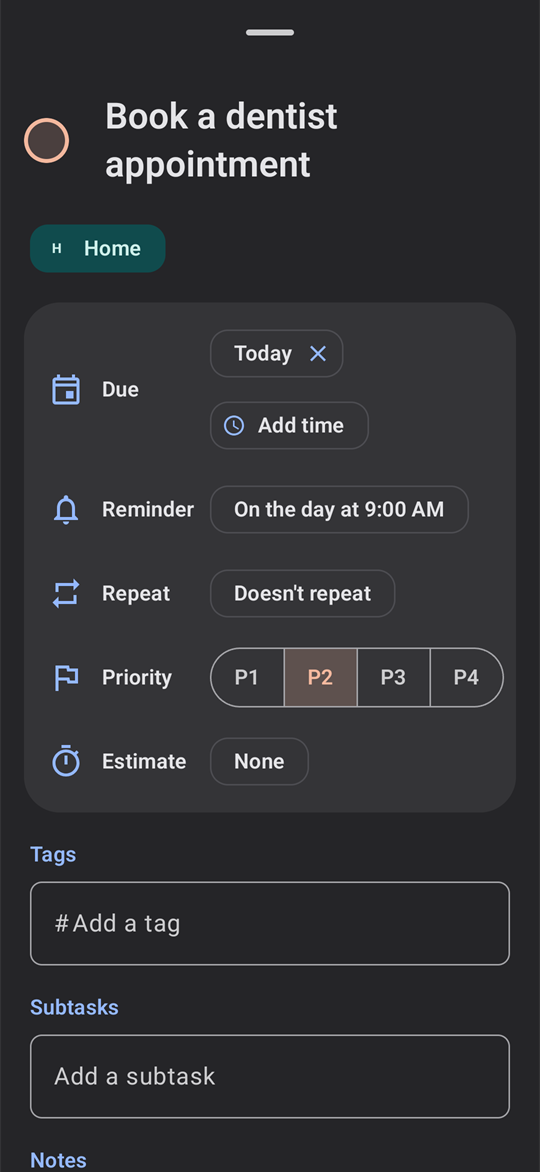
Tell Juniper what's on your mind, and it builds lists with due dates, priorities, subtasks and reminders. Every change Juniper makes comes with Undo, and it pushes back when you take on too much.

Tandem helps you get things done by talking them through. Juniper, your AI coach, turns conversations into organized lists, reminds you at the right time, and keeps all your devices in sync.
Tell Juniper what's on your mind, and it builds lists with due dates, priorities, subtasks and reminders. Every change Juniper makes comes with Undo, and it pushes back when you take on too much.
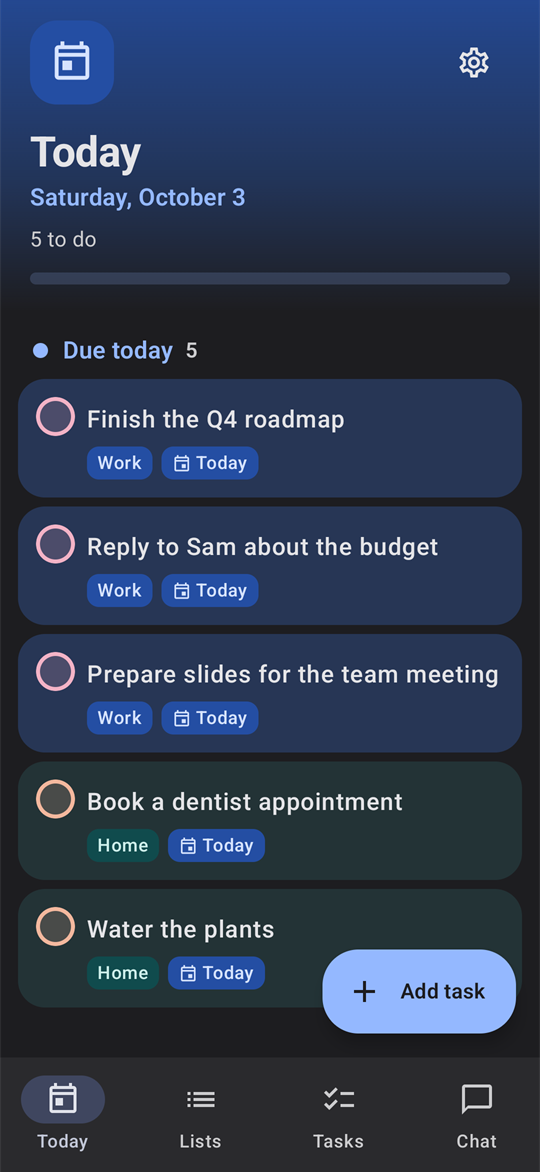
Reminders arrive at the right time. Each day, at a time you choose, a briefing from Juniper covers what's overdue and due today, your calendar and the week's deadlines, and Juniper checks in once a day.
Use Claude or Gemini with your own API key, or the free on-device AI that never leaves your device. No ads, no tracking, and syncing your phone and PC is up to you.
Tandem is free. Bring your own Claude or Gemini key, or use the on-device AI.